Apps and connectivity
The Best Rowing Machine Apps
You do not need a built-in touchscreen to get guided workouts and game-like sessions. Here is what each rowing app does, and which machines connect to them.
We earn a commission if you buy through the links on this page, at no cost to you. It has no effect on what we recommend or the order we recommend it in — we say “skip this one” on machines that pay us the same as the ones we like. How we’re funded.
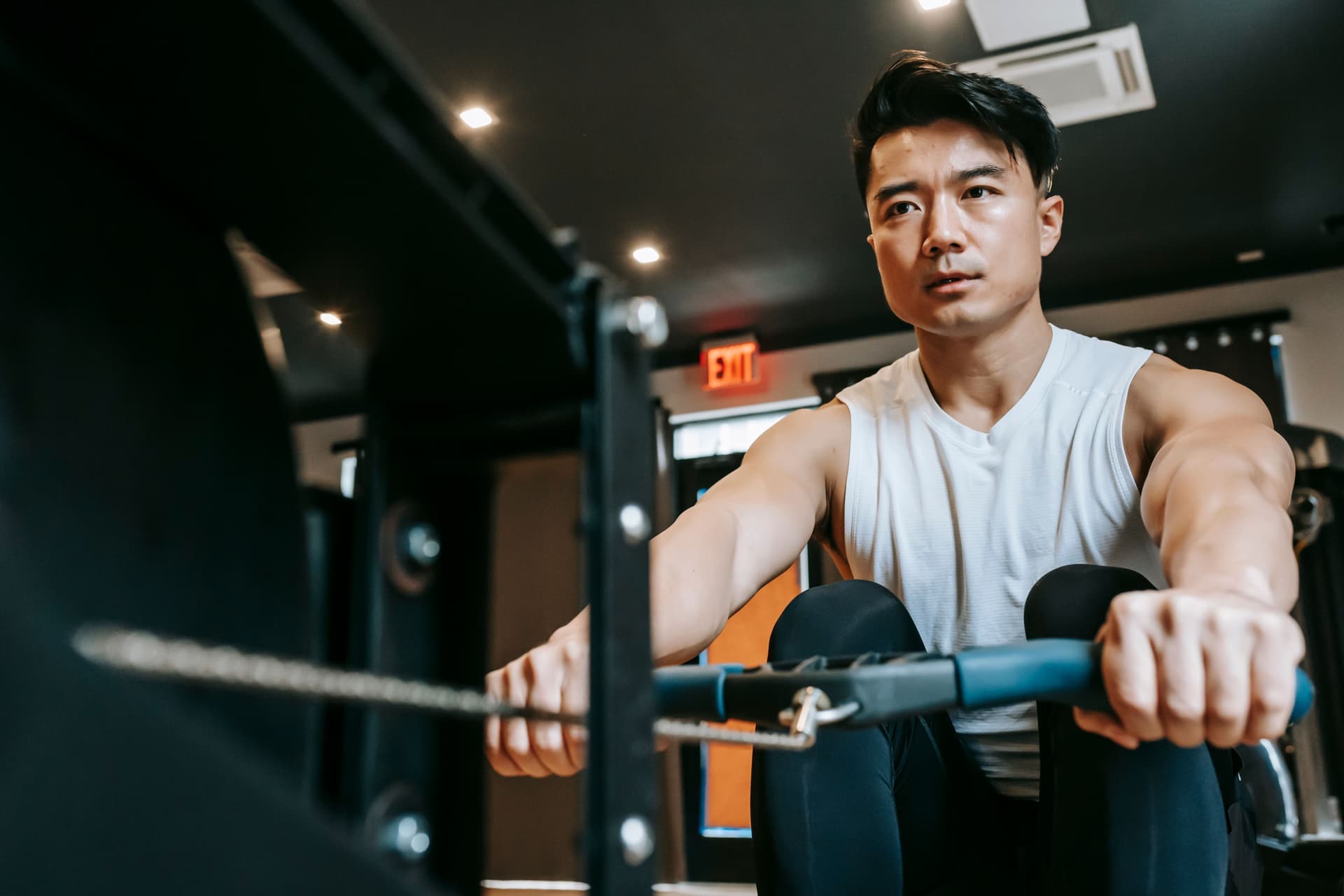
The honest answer up front: you do not need a machine with a built-in touchscreen to get guided workouts, tracked data, or game-like rowing. Many rowers pair over Bluetooth with third-party apps on a phone or tablet you already own — often a free or cheap alternative to a bolted-on screen and the monthly membership that comes with it. The catch is that this only works if your machine’s monitor actually broadcasts its data.
ErgData (Concept2, free)
The gold standard for a free rowing app is Concept2’s own ErgData. Paired with the PM5 monitor over Bluetooth, it records everything — splits, distance, stroke rate, watts, heart rate if you connect a strap — and syncs it to the free online Concept2 Logbook, where your history lives and you can join challenges. There is no subscription and never has been. It is a big part of why the Concept2 RowErg keeps winning our pages: the data experience most brands charge monthly for is bundled in for free.
Kinomap and scenic route apps
If your motivation is scenery rather than spreadsheets, Kinomap and apps like it play video routes — real rivers and coastlines — that speed up and slow down with your effort, turning a session into a virtual outing. These apps connect to your rower to read your pace, which means you need a monitor that broadcasts over Bluetooth. On a machine that transmits data, they are a compelling way to make longer sessions pass; on one that does not, they cannot see you row.
Zwift and game-style training
Zwift and similar game-style platforms turn training into a shared virtual world — you appear as an avatar and your effort drives your progress, alongside other people doing the same. Rowing support depends on the platform and on your machine being able to transmit its numbers, so the same connectivity rule applies. Done right, it is the closest a solo home rower gets to the pull of a group session, and it leans on your existing screen rather than a proprietary one.
Apple Fitness+ and general fitness apps
Apple Fitness+ and other general fitness apps take a different angle: instead of reading your machine, they stream instructor-led rowing classes you follow along with. They do not need to connect to your rower at all, though most will read a heart-rate monitor so your effort shows on screen. If you want to train by heart rate this way, our guide to heart rate training on a rower covers how to pair a chest strap or armband and what the zones mean. These class-based apps are the easiest on-ramp if you want a voice telling you what to do next.
The connectivity catch
Here is the fine print that decides whether any of this works for you. An app can only use your rower if the monitor broadcasts data — typically over Bluetooth, sometimes ANT+. A quality monitor like the PM5 does; a plain, non-transmitting monitor on many budget machines does not. A cheap rower with a “dumb” console will still count strokes on its own little screen, but it cannot feed Kinomap, Zwift, or the Concept2 Logbook, because there is no signal for the app to read. If app compatibility matters to you, confirm the monitor broadcasts Bluetooth or ANT+ before you buy — it is one of the most-omitted specs in the category.
App vs a built-in screen
This is the money question. A connected rower with a big built-in screen typically asks $29 to $50 a month for its content, which is $1,740 to $3,000 over five years — frequently more than the machine. For many people, a well-built machine plus their own tablet plus a free or cheap app does the same job for a fraction of that. A built-in screen buys polish and convenience, and for some households that is worth it; just decide with the five-year number in front of you. If you do want the screen route, our roundup of the best connected rowing machines weighs which memberships actually earn their keep.
Straight answers
Questions people actually ask
What is the best free rowing machine app?
For Concept2 owners it is ErgData, the brand's own free app. Paired with the PM5 monitor it records your full session and syncs it to the free online Logbook, with no subscription. It is the benchmark other rowing apps are measured against.
Can any rowing machine use an app?
Only if its monitor broadcasts data, usually over Bluetooth and sometimes ANT+. A quality monitor transmits and can feed apps like ErgData, Kinomap, or Zwift; a plain console on many budget machines only shows numbers on its own screen and cannot connect. Check for Bluetooth or ANT+ before you buy if apps matter to you.
Do you need a subscription for rowing apps?
It depends on the app. Some are free, most notably ErgData, and general fitness apps and route apps typically charge a monthly fee for their content. You can put together a strong app-based setup for little or nothing, or pay for a class library - it is your choice, not a requirement of the machine.
Can I use Zwift or Kinomap on a budget rower?
Only if the machine transmits its data. Zwift and Kinomap read your pace from the monitor, so they need a rower that broadcasts over Bluetooth or ANT+. Many budget machines have a non-transmitting console, which means the apps cannot see your effort no matter how you connect the tablet.
Show your working
Sources
- Concept2 — Compare indoor rowers (official specifications)Accessed 2026-07-24. https://www.concept2.com/indoor-rowers/compare
- Concept2 - PM5 monitor and ErgData appAccessed 2026-07-24. https://www.concept2.com/service/monitors/pm5
Keep going